After you buy, Pace customers get help from their account manager, the help desk and the Pace Hub.
Pace Systems’ help desk is at HelpDesk@pace-systems.com, and it answers Monday to Friday in business hours, or around the clock if you’re a managed IT client. Your orders, their tracking and the serial numbers of what you bought are all in the Pace Hub.

- Help desk
- HelpDesk@pace-systems.com
- Hours
- Monday to Friday, business hours
- Managed IT clients
- 24 hours a day, 7 days a week
- Main line
- 630-395-2260
- The Pace Hub
- hub.pace-systems.com
Who handles what
Every question has someone at Pace who handles it.
Write to the one that fits, and give us an order number, a site or a serial number, since that’s the fastest way for us to find what you’re asking about.
Your account manager
You have one account manager for your quotes, your orders and your returns, and for anything else about the account.
The help desk
Our help desk serves managed IT clients and takes service calls on the systems we installed, and you can reach it at HelpDesk@pace-systems.com.
The Pace Hub
The Hub holds your orders with their tracking and serial numbers, as well as the equipment register, and if we’ve placed staff with your team, you approve their timesheets there too.
The main line
If something can’t wait for an email, call our main line at 630-395-2260.
Installed systems
A service agreement or time and material covers installed systems.
If you have a service agreement, the response times are written into it, and without one, each call is billed on time and material.
Either way, write to the help desk and tell us the site, the system and what has gone wrong, so we can put the right person on it.
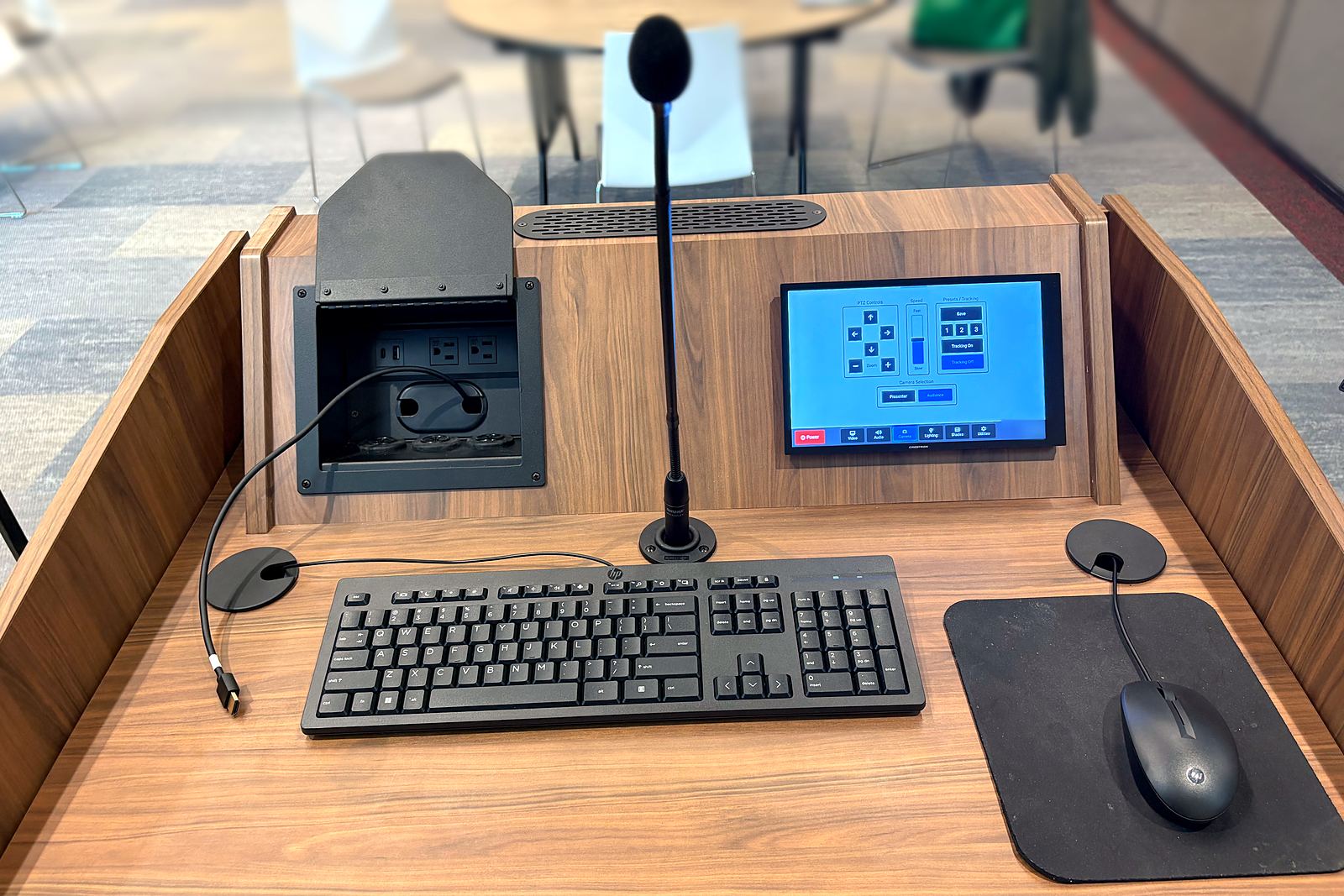
Managed IT
The help desk never closes for managed IT clients.
Our help desk answers managed IT clients 24 hours a day, 7 days a week, and everyone else Monday to Friday in business hours.
Besides the help desk, our managed IT includes monitoring and patching, endpoint and email protection and vulnerability scans, and at buildings around Chicago, one of our technicians also comes on site on set days.
Returns and warranty
Your account manager takes warranty claims to the maker.
The manufacturer’s warranty passes through to you, and we deal with the manufacturer on your behalf until the claim ends in one of four ways.
When you ask, send the order number and the serial number, which you’ll find in the Hub.
- A repair
- A replacement
- An advance replacement
- A credit
The Pace Hub
The Pace Hub follows every order to your door.
It comes with every Pace account at no charge, and you sign in at hub.pace-systems.com.
- Not shipped yet
- Coming to Pace
- At Pace
- Shipped
- Delivered
Where each order is
You see it go from Not shipped yet to Delivered, with the carrier’s tracking number once it ships.
Serial numbers
The Hub lists the serial numbers of the devices on each order, which is what you’ll need for a return or a warranty claim.
The equipment register
Everything we’ve delivered to you is listed there, along with anything we’re still holding in our warehouse until you’re ready.
Timesheets
If we’ve placed technicians with your team, you approve their timesheets in the Hub each week.
Two-step sign-in
Each person on your account signs in with a password and a second step, on a computer or from the Hub’s icon on a phone.
Questions
Questions Pace customers ask
How do I reach Pace’s help desk?
You can write to our help desk at HelpDesk@pace-systems.com or call 630-395-2260, and it answers Monday to Friday in business hours, or 24 hours a day, 7 days a week if you’re a managed IT client.
How do I return a device under warranty?
Ask your account manager and give them the order number and the serial number, and we’ll deal with the manufacturer for you, whether the answer is a repair, a replacement, an advance replacement or a credit.
Where can I see my order?
You can see it in the Pace Hub at hub.pace-systems.com, where each order shows its status from Not shipped yet to Delivered, the carrier’s tracking number and the serial numbers of what arrives.
Where do I sign in to the Pace Hub?
You sign in at hub.pace-systems.com with your password and a second step, or from the Hub’s icon if you’ve added it to your phone’s home screen.
A system down
Call 630-395-2260 if a system is down right now.
Tell us the site and the system, and we’ll start on it from there. For anything less pressing, write to HelpDesk@pace-systems.com instead.